

95%
Message delivery
Multi-channel delivery ensures field teams receive critical updates instantly.
Auto notifications
SafetyLoop automatically notifies crews, supervisors, and partners when a task changes status—no more manual follow-up or missed messages.
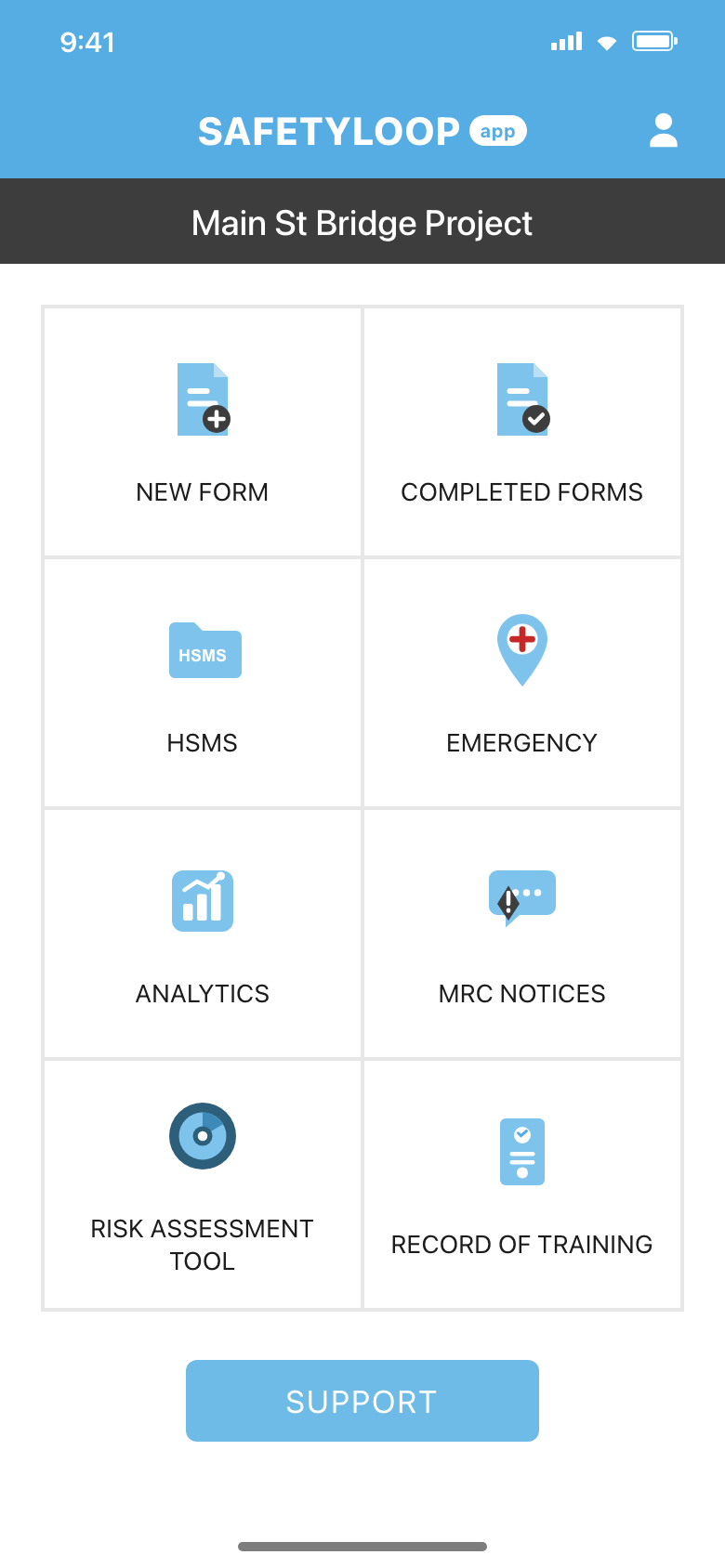
Multi-channel delivery ensures field teams receive critical updates instantly.
Automated routing gets urgent issues in front of decision makers without back-and-forth.
Track acknowledgments and resend automatically if someone hasn’t confirmed.
Workflows that scale
SafetyLoop gives teams one workspace to capture information, manage follow-up, and surface insights for auto notifications.
Keep forms, documents, and communications for auto notifications in one searchable place.
Step-by-step workflows ensure the right people complete auto notifications tasks without missing critical details.
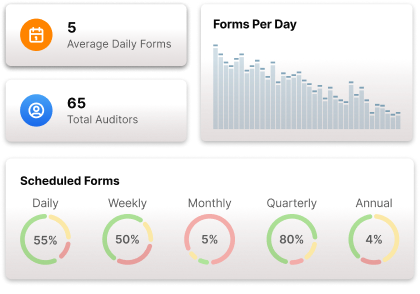
Dashboards highlight status, blockers, and trends so leaders can continuously improve auto notifications.
Standardized operations
Template your processes, approvals, and communications so auto notifications is delivered the same way on every project.
Continuous improvement
Trigger alerts, corrective actions, and analytics whenever auto notifications milestones occur so teams respond immediately.
Your playbook
SafetyLoop guides teams from intake to completion with clear responsibilities and context for auto notifications.
Configure templates, permissions, and automations tailored to your auto notifications process.
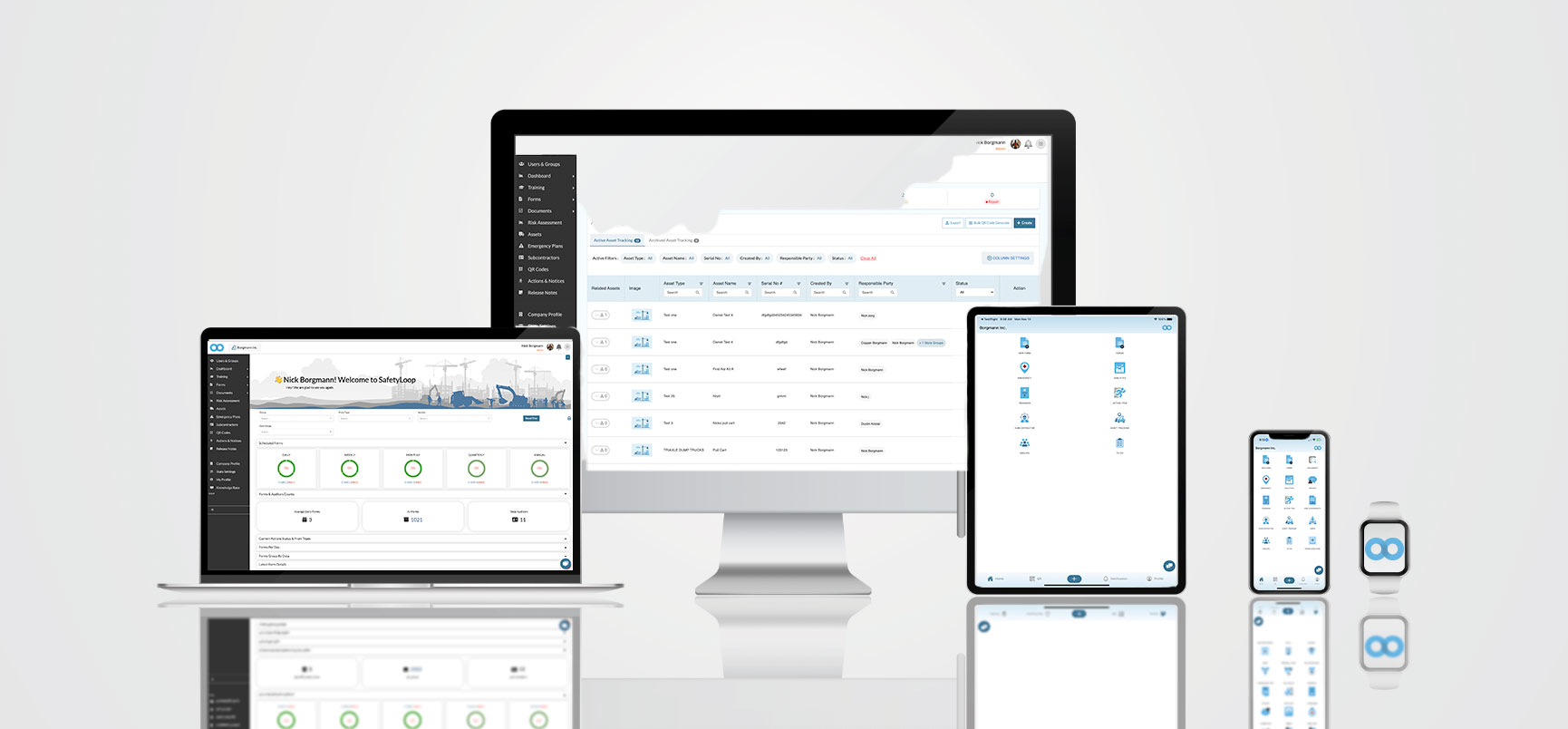
Launch workflows to the field with mobile access, offline support, and automatic reminders.
Review performance data to refine tasks, redistribute workload, and celebrate wins.
Program results
Real-time dashboards and audit-ready records make it easy to communicate progress and compliance.
Reduction in manual coordination after digitizing auto notifications.
Average weekly time saved per leader preparing updates on auto notifications.
“SafetyLoop finally gave us one place to manage auto notifications. Adoption shot up because the experience is clean and mobile-friendly.”
See SafetyLoop in action
Start a complimentary trial or partner with our team for a guided rollout across every project.